
Grand Junction City Directory Collections
The strongest way to read Grand Junction city directory coverage is to keep each collection claim tied to its keeper and wording. Mesa County Libraries says local directories reach back to 1902 through Ancestry and physical collections. A Grand Junction historic survey cites Polk's directory from 1904 to 1975. History Colorado catalogs Polk material at about 1935 to 1973, with Mesa County and nearby locality notes. A National Archives guide lists Grand Junction or Mesa County holdings for 1930 to 1932 and 1935.
Those spans are leads, not a promise that every individual year is on a shelf or open in a browse tool. The library research notes identify uneven years in the 1900s and 1920s and gaps after 1975. Inspect the live collection, record the publication label, and save the page or image number. The table keeps the main routes distinct.
| Collection | Years or span located | Where held | Access |
|---|---|---|---|
| Grand Junction city directories | 1902 lead; 1904-1975 survey statement | Rashleigh Regional History Room, physical shelf, Ancestry Library | Library or licensed browse; verify each year |
| Polk catalog material | About 1935-1973; Mesa County circa 193? to 1959 | History Colorado catalog | Catalog lead; page images vary |
| NARA directory holdings | 1930-1932 and 1935 leads | National Archives guide and partner holdings | Inspect holding and copy route |
| Daily Sentinel | 1893-present on library microfilm; CHNC 1893-1914 | Mesa County Libraries and Colorado Historic Newspapers | Microfilm or image confirmation |
| Grand Junction News | 1883-1893 route identified | Library newspaper route | Verify issue and image access |
Collection scope matters. A city directory can include a broader county or nearby locality, and a directory title does not make every entry a Grand Junction home. Preserve the city, county, office, and business relationship exactly as printed.
The Rashleigh Room in Grand Junction
The downstairs Rashleigh Regional History Room at the Central Library is the hands-on center for Grand Junction city directory research. Mesa County Libraries lists the Central Library at 443 N. 6th Street in Grand Junction and describes microfilm readers, Daily Sentinel and Grand Junction News reels, city directories, a digital-conversion station, public computers, and recent Daily Sentinel PDFs. Observed hours are Monday through Thursday 9 to 8, Friday 9 to 6, Saturday 9 to 5, and Sunday 1 to 5.
The library's genealogy guide adds the access layer around the shelf. Ancestry Library Edition is available in the library. HeritageQuest is available from home with a library card. FamilySearch is available in the library. One-on-one help and the Mesa County Genealogy Society are additional routes. Ask for the exact year and whether a reverse or address section exists before assuming a surname search can be run by street.
Open the Central Library hours and history-room source before viewing the capture below; it connects the city directory to physical readers and the local newspaper shelf.
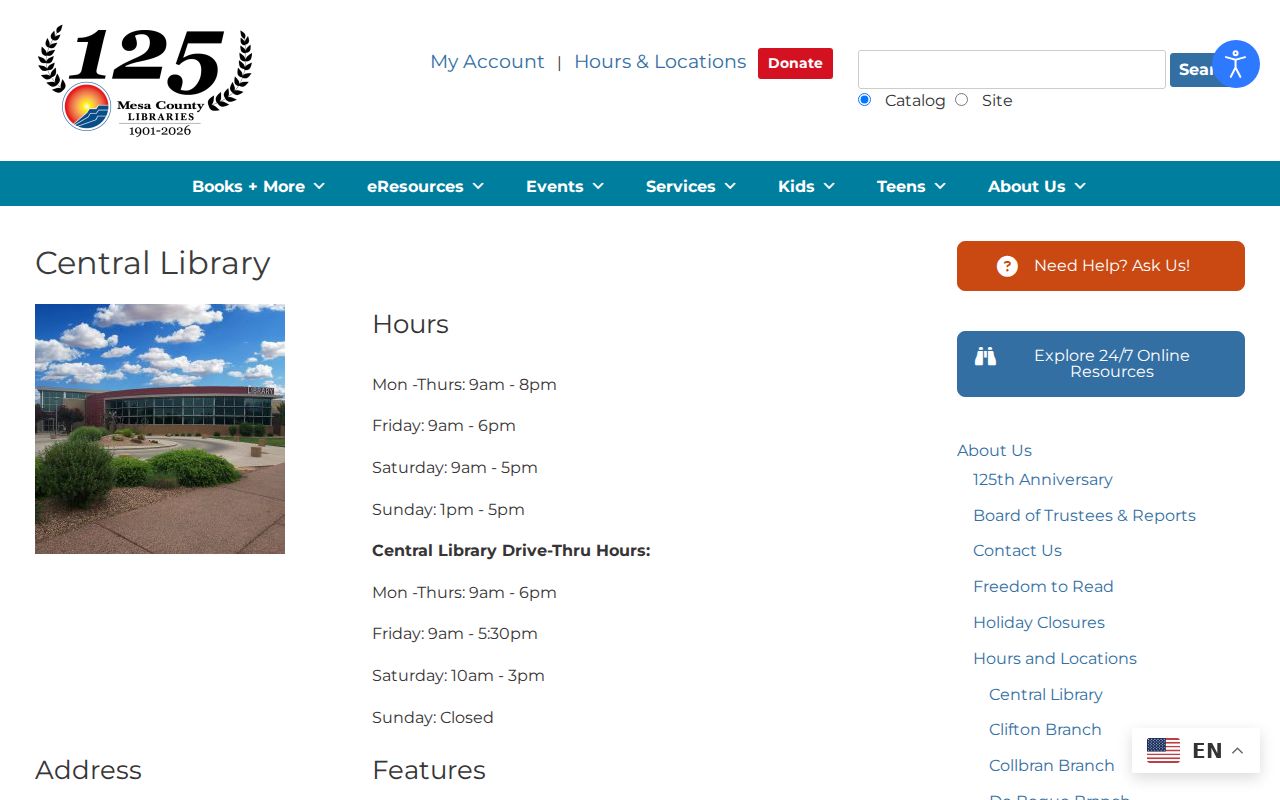
A database result is easier to check when the collection title and year are known.
The library's current eResources list is the right place to confirm whether Ancestry, HeritageQuest, FamilySearch, newspaper, and Colorado Historic Newspapers access is in-library, card-based, or otherwise limited.
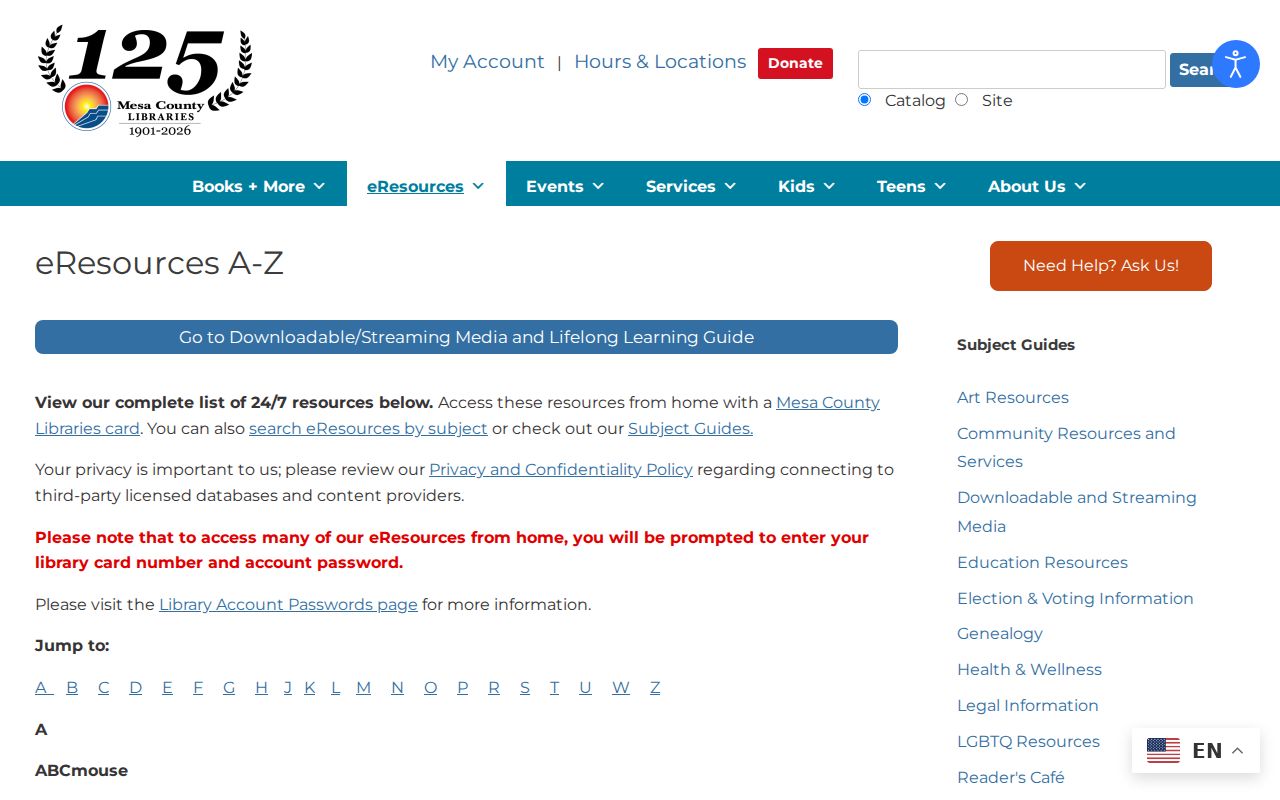
The eResources capture shows why access instructions belong beside the historical collection description rather than being assumed from an old catalog label.
Note: Licensed database access can change while the historic collection name stays the same, so check the current eResources list before a library visit.
How Far Grand Junction Directories Reach
Directory coverage is best understood as a set of dated windows. The 1902 library lead and 1904 to 1975 survey statement show the practical local shelf. The History Colorado catalog narrows its Polk material to an approximate 1935 to 1973 span and adds geography for Mesa County, Fruita, Orchard Mesa, and Palisade. NARA's 1930 to 1932 and 1935 listing is a federal holding clue. None of these statements establishes a continuous annual series.
Later locality notes can be helpful, but the name of a city directory may conceal an address outside the incorporated city. Read the title page, publisher, locality headings, and front-matter instructions. A Grand Junction entry can be in a Mesa County volume, while a nearby place can appear in the same catalog record. That is why a year, page, and locality field belong in the evidence ledger.
Open the History Colorado Polk catalog before viewing the capture below; a catalog record is a finding aid rather than a guaranteed page scan.
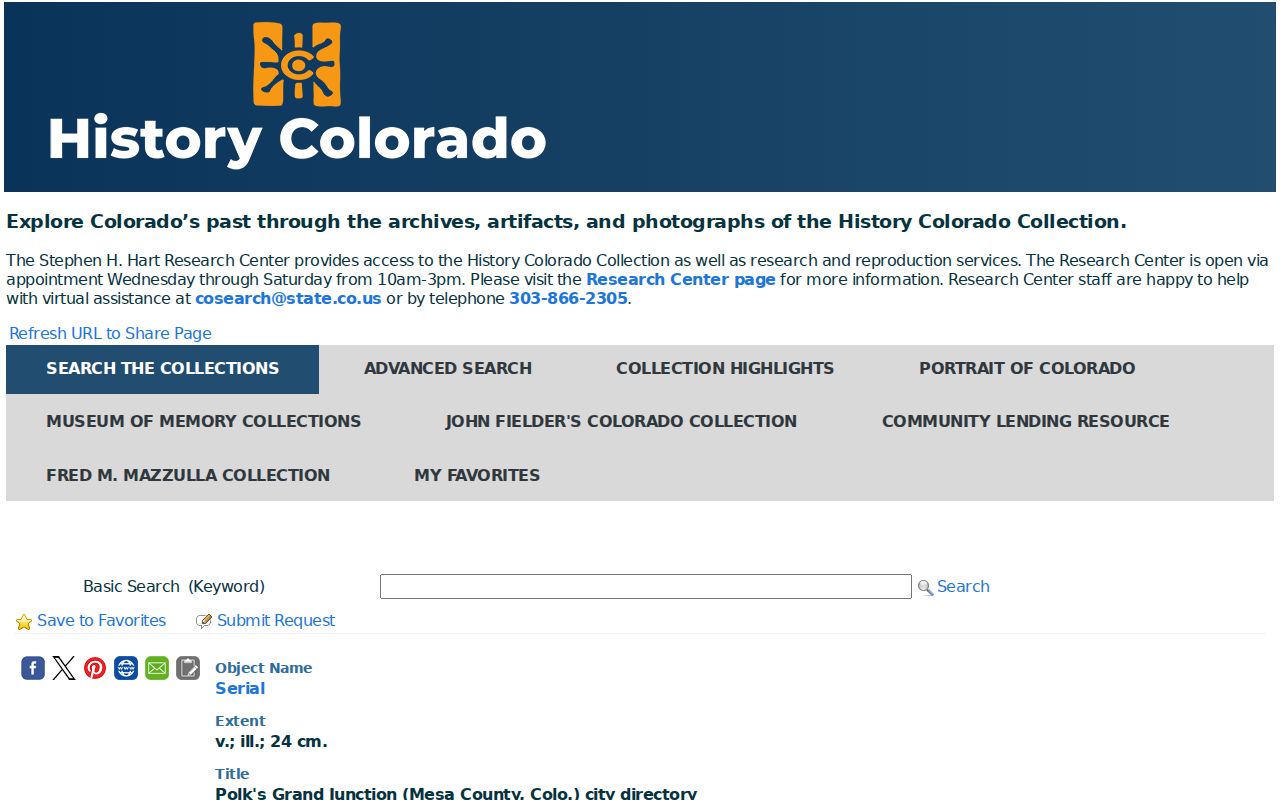
Follow the collection's access note before treating a date as complete.
Polk's Grand Junction Directory Years
Polk's Grand Junction city directory is the named local series that anchors many historic address searches. The city survey cites 1904 to 1975, while the History Colorado catalog describes later Polk material around 1935 to 1973. A city survey may cite a 1916 issue even when the year does not appear in a complete public browse list. Use the survey PDF, catalog record, library shelf, and image itself as four separate evidence points.
Printed entries can change format between publishers and years. A name section may sit beside an address section in one issue, while another may force a surname-to-page route. Businesses, offices, hotels, and residences can share a street number. A person beside an organization name is not automatically the occupant of the building, so note whether the line is a home, office, partnership, or forwarding clue.
The U.S. city directories collection supports name, location, event year, spouse, keyword, publication, and browse-by-state or city routes. OCR can change a street number or surname. Search variants, then inspect the page image.
Open the U.S. city directories collection before viewing the capture below; a browse result needs its city, year, and publication label.
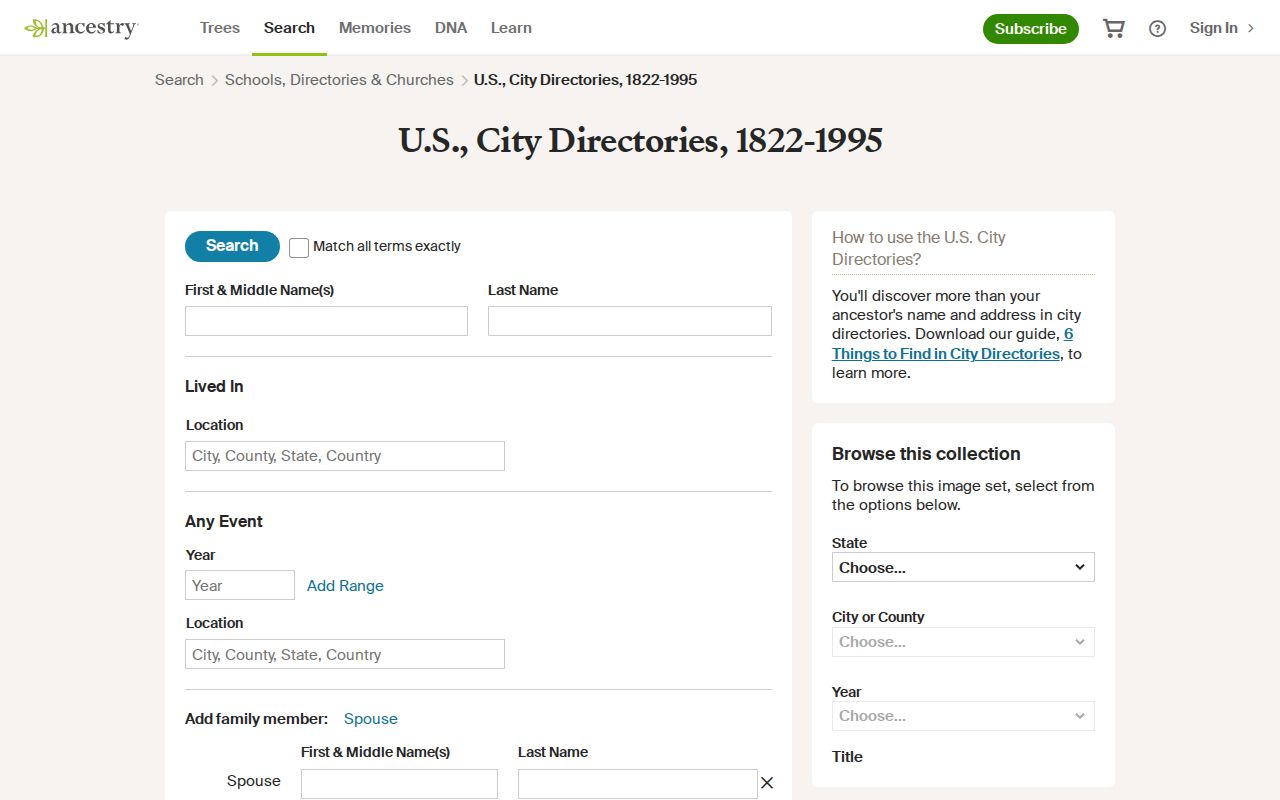
The collection can become a usable historic clue only after its publication and page image are checked.
Reading a Grand Junction Directory Entry
A directory entry is a compact record, not a biography. Read the name first, then separate street address, occupation, spouse or partner, business name, office address, owner or renter mark if present, and any forwarding or death notation. The entry date is the publication date, not necessarily the date of a move or event. Keep the printed spelling and the normalized address in separate fields.
The local-history guide uses James Bucklin at 634 N. 5th as an example. The 1912 material connects Bucklin and Tupper with the Grand Valley National Bank Building and names Henry Tupper as a partner. That is useful local context, but the 1912 issue lacks an address section. It demonstrates why a name search, a business clue, and an address section can answer different questions.
- Householder index
- A name-centered listing that may lead to a street or page, depending on the issue.
- Address section
- A street or number-centered section that can make an old location easier to trace.
- Abbreviation key
- Publisher instructions that decode occupation, marital, ownership, or street shorthand.
- Office address
- A business location. It should not be treated as a private home without another record.
Open the Mesa home-history guide before viewing the capture below; it places a directory entry beside assessor, deed, plat, and Sanborn evidence.
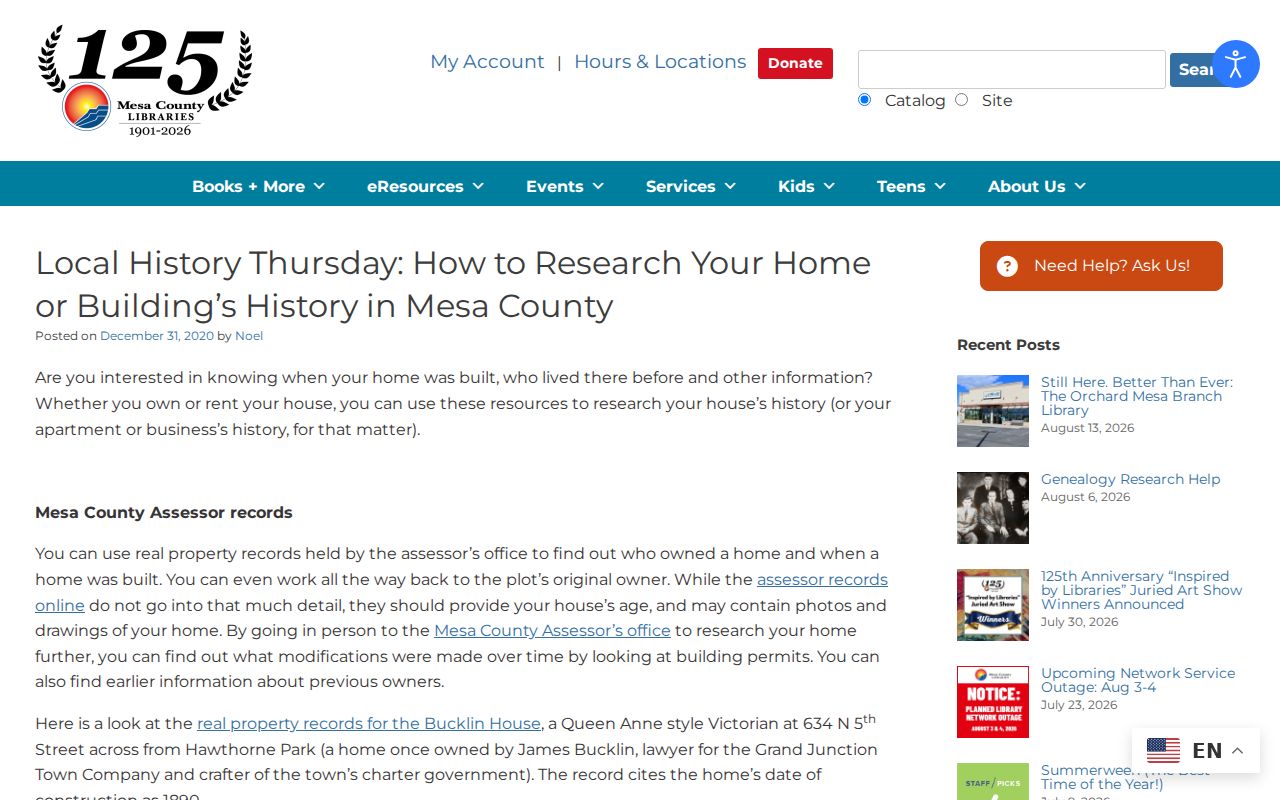
The local method keeps the entry and its supporting land records in separate fields.
Tracing Grand Junction Households
A household trail gains strength when a directory year is paired with another dated source. Start with the person's full name and the printed address. Normalize the road only in a separate field. Search a nearby year when the issue lacks an address section, then use the city street index to test aliases. Pair the directory date with an available Census image or index, newspaper issue, deed, permit, cemetery result, or city survey.
- Capture title page, publisher, year, city or county scope, page, and image identifier.
- Copy the entry as printed, including occupation, spouse, partner, office, and any mark or abbreviation.
- Search the same surname with street number variants, North or South prefixes, and spelled-out street names.
- Compare the address with the assessor parcel, recorded instrument, or Sanborn sheet for the same period.
- Record whether the next year shows a move, a new spouse, a business change, a forwarding note, or no entry.
NARA's 1930 to 1932 and 1935 leads can be useful companions for a mid-century trace, but each holding must be checked. Census geography, postal labels, municipal limits, and Mesa County are not interchangeable. A gap in one year is a prompt to test a neighboring year or a different source, not proof that a household vanished.
When the goal becomes a current address chain, use the Grand Junction by-street records route for modern parcels and aliases rather than asking the old directory to answer a current question.
Bucklin and Tupper in 1912
The James Bucklin example is a useful local story because it connects a named person, a street address, a partnership, and a recognizable building. The 1912 directory material places Bucklin at 634 N. 5th, associates Bucklin and Tupper, and names the Grand Valley National Bank Building as the office setting. The source also warns that the 1912 issue has no address section. The value is not a claim about a current resident. It is a model for how a name and an office clue can open a building-history trail.
Follow that clue with the library's house-history method: check city directories, Sanborn maps, assessor lot or block books, Clerk and Recorder indexes, deeds, plats, and historic survey PDFs. Each source contributes a different field. A directory supplies people and businesses. A Sanborn sheet supplies mapped building use and footprint. A deed supplies filed parties and legal description. A survey can join the sources to a specific building.
Note: The best historic evidence ledger preserves both the printed entry and the later interpretation, with confidence marked as direct, strong, possible, or unresolved.
Open the Mesa County Genealogy Society library before viewing the capture below; it points to another local collection route.
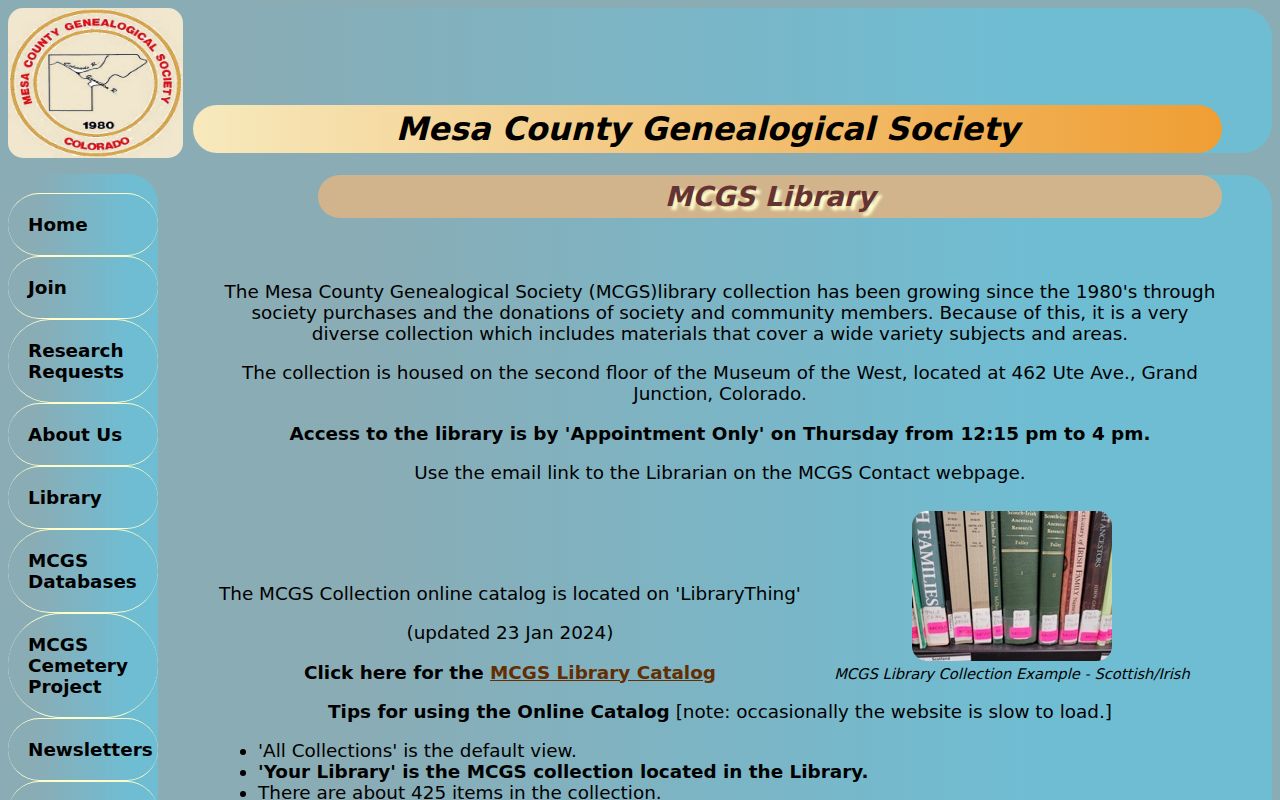
Its collection began in the 1980s, is associated with the Museum of the West, and uses appointment access that should be confirmed before visiting.
Sanborn Maps Beside Grand Junction Directories
Sanborn maps help when a city directory gives a name but not enough address detail. Local survey material cites Grand Junction Sanborn coverage from 1898 to 1926. The Library of Congress holds a September 1919 Grand Junction set with 19 sheets. A sheet can show street names, numbers, building footprint, use, material, and nearby landmarks. It can make an old address legible when a directory page is sparse.
Map evidence has limits. Select the sheet by street, number, adjacent road, date, and town boundary. A building label describes a historic map moment, not a present condition, title, or household. Compare the sheet with a deed or plat before assigning a structure to a current parcel. For a later address, use the map as a historical bridge, then return to the assessor, GIS, or recorder.
The public-domain 1919 Grand Junction Sanborn map and the Library of Congress search guide are useful companions to the city directory shelf.
Newspapers, Cemeteries, and Missing Years
When a city directory year is missing or an OCR search fails, the Rashleigh Room's newspaper shelf is often the next local lead. Search Daily Sentinel and Grand Junction News issues around a birth, marriage, death, court event, school note, club notice, public sale, or property date. Record the issue date and page because local OCR can omit a name or change a street number. The Colorado Historic Newspapers Collection may extend discovery, but the page image is the confirmation layer.
The Grand Junction cemetery portal searches last name, first name, interment year, and cemetery. Orchard Mesa Cemetery and Crown Point Cemetery are separate city sites, and the city says new and historic records are added while digitization continues. A missing cemetery result should lead to the cemetery office, not a conclusion about death or identity. An eligible death certificate, probate record, or newspaper notice remains a separate record.
FamilySearch can add catalog and center-only clues, but the reviewed Colorado County Marriages collection does not list Mesa County. Check the county coverage before labeling a statewide collection as a Mesa index.
These gaps are normal in a Grand Junction city directory search. Preserve the failed query, collection name, year, address form, and next custodian so another researcher can repeat the trail.